

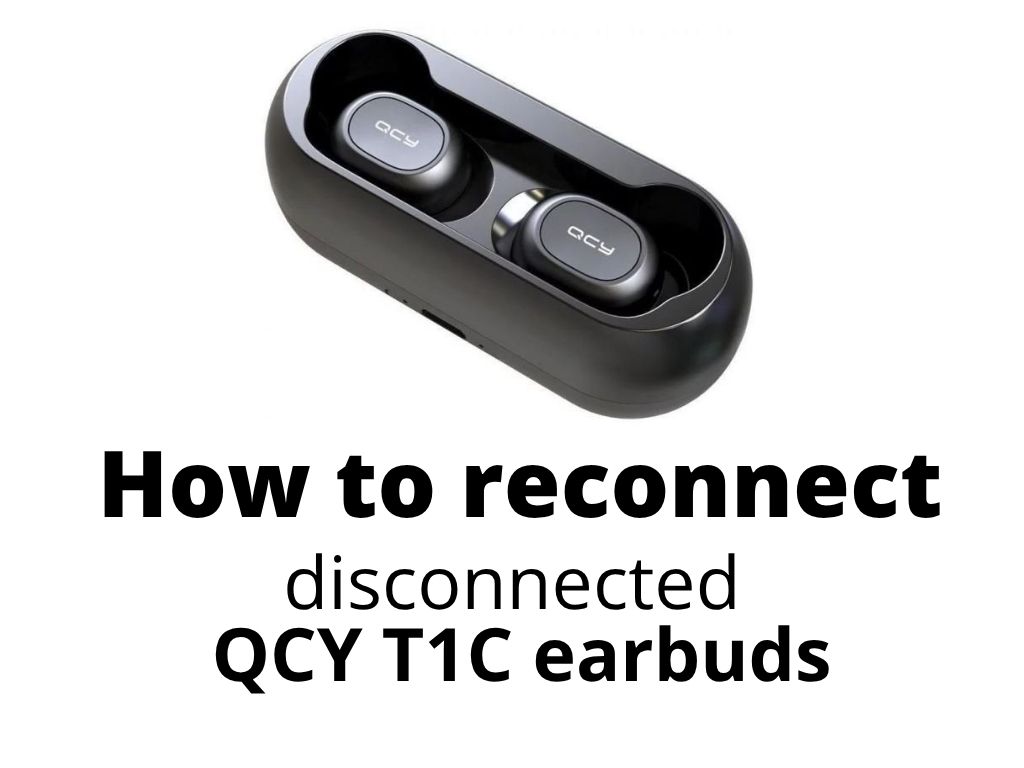
Learn how to reconnect your QCY T1C earbuds/headphones/Earphones when they disconnect from each other with this easy step-by-step guide
If your QCY T1C earbuds have suddenly stopped working together (stop pairing/unpaired each earbud) – meaning only one earbud plays sound or they don’t connect to each other at all – you’re not alone. This is a common problem with many wireless earbuds from QCY, not just the T1C model.
The good news? The fix is simple and works for almost all QCY T1C earbuds (and some older models too).
Just be patient – it usually doesn’t work on the very first try. Even if you know the steps, it often takes 10–15 minutes of repeated attempts until the earbuds finally reconnect. I honestly do not know why the producer did not actually add that complete guideline on how to proceed to its earbuds manual (probably because it is so cheap and users buy rather new ones, so this “feature” brings more revenue).
If you’re like me and hate the throw-it-away, consume-and-replace lifestyle, you’ll appreciate that these QCY earbuds can almost always be fixed with a little patience, even when it feels impossible at first.
So, what to do?
- Firstly – unpair them from your mobile phone completely (go to settings, and if you see there in Bluetooth devices QCY-T1C – click on that and select ignore or forget device).
- Install the QCY app (so you can see here easily if the problem still persists – usually, you will see one earbud is out of battery, when pairing problem appear). You can easily check here that’s just a pairing problem, and if that makes sense to carry on – when you put QCY-T1C earphones in the case, touch the MFB button, if it blinks (shows red light = not paired, white = paired) – then it is not a hardware problem and the earbuds are fully functional. The MFB (Multi-Function Button) on QCY T1C and most other QCY earbuds is the physical button located directly on the face/center of each earbud. On the QCY T1C (QS1) and similar models, it’s the round button you press to play/pause music or answer calls. It’s not a touch-sensitive area – it’s an actual button you can feel click when you press it. You need to press the button on both earbuds at the same time to reset or pair.
- You can try to put them in the case and out – so you can see how the QCY app works (so you switch on/turn your earbuds when taken out of the case). This is not a mandatory step, but you have to understand, you have to take them out of the case box also.
- Put QCY T1C earbuds in the case and press and hold the multi-function buttons (MFB) on both earbuds at the same time for about 20 seconds. The LEDs will be in the case fully red (not blinking), then it starts blinking red and white, then it turns off completely (earphones QCY-T1C not blinking).
- Take out the earbuds from the case (not until it starts blinking) and press them both at the same time.
- Put them back in the case and take them out again.
- If you have opened the QCY app – you will see the request to pair the earbuds and when you click to confirm that message – you can see now if you can see the different battery life for not working earbud (or not, if not – you have to do that again, if you do not – repeat same process again).
- If that is OK, pair in the app, go to the Bluetooth settings on your mobile phone, and click to connect.
- Try to open a service like YouTube and check if you can hear now sound from both QCY-T1C earbuds.
This troubleshooting solution applies to virtually all older (the main problem is with QCY T1C – TC2) true wireless earbuds, including both older and newer models (simply to those where you don’t have a reset button already on the case). So for models like:
- QCY T1C (also known as QS1)
- QCY T2C (QS2)
- QCY T4
- QCY T17
Tip: No matter which QCY model you use, the pairing and reset steps in this guide are universal and proven to work across the entire range.
I also found this video, but it does not work for my QCY T1C model – but you can try it, if the above instructions do not work.
If this guide helped you solve your QCY earbuds pairing issue, feel free to leave a comment below and share your experience. Your feedback can help others who are struggling with the same problem – and if you have any additional tips or questions, let me know!
Was this article helpful?
Support us to keep up the good work and to provide you even better content. Your donations will be used to help students get access to quality content for free and pay our contributors’ salaries, who work hard to create this website content! Thank you for all your support!
Reaction to comment: Cancel reply